Every network has documentation. The question is whether anyone trusts it. Too often it is a diagram from the original installation, a spreadsheet with three conflicting tabs and a folder of notes only one person understands. When an outage hits, nobody opens any of it, because experience has taught them it is wrong. This guide shows you how to build a small, focused set of network documentation, from diagrams and IP address management to runbooks, that people actually use because it is accurate, findable and maintained as part of everyday work.
Why network documentation fails
Documentation rarely fails because people are lazy. It fails because of how it is produced. Understanding the failure modes helps you design something that survives.
- It is a project, not a process. Someone spends two weeks documenting everything, then moves on. Six months of undocumented changes later, the diagrams are fiction.
- It tries to capture everything. A diagram that shows every access port, every VLAN and every route on one page is unreadable, so people stop looking at it.
- It lives in the wrong place. Files on a personal laptop, attachments in old tickets, or a file share that goes down with the network you are trying to fix.
- Nobody owns it. If everyone is responsible for updating the IP plan, nobody is.
- It duplicates data. The same subnet appears in a spreadsheet, a diagram and a firewall object list, each with a slightly different description. When they disagree, all of them lose credibility.
The fix is to document less, but better: a small number of artifacts, each with a clear purpose, a clear owner and a clear trigger for updates. Think of documentation as part of the network itself. A change is not finished until the documentation reflects it.
What to document: the minimum useful set
Start with the artifacts that answer the questions people actually ask during outages, audits and projects. For most small and mid-sized networks, the following set covers the vast majority of needs:
| Artifact | Answers the question | Typical owner | Update trigger |
|---|---|---|---|
| Physical (L1) diagram | What is plugged into what, and where is it? | Infrastructure lead | Any cabling, rack or hardware change |
| Logical (L2/L3) diagram | How does traffic flow between VLANs, subnets and sites? | Network engineer | New VLAN, subnet, route or site |
| IP address plan (IPAM) | Which subnets exist and which addresses are free? | Network engineer | Every allocation or decommission |
| Device inventory | What do we own, what software runs on it, when does support end? | Operations | Purchase, replacement, upgrade |
| Circuit and vendor register | Who do we call when the internet link is down, and with which circuit ID? | Operations | Contract or circuit change |
| Runbooks | How do we perform this task or recover from this failure? | Task owner | Process change or lessons learned |
| Standards | How should a new switch, VLAN or firewall rule be configured and named? | Network lead | Design decision |
Credentials deserve a special mention: they belong in a password manager with shared vaults and access logging, never in a diagram, spreadsheet or wiki page. Your documentation should say where the credential is, not what it is.
Network diagrams that communicate
A diagram has one job: to let someone build a correct mental model of the network quickly. That means every diagram needs a specific audience and a specific layer. Trying to serve everyone on one page serves no one.
Separate the layers
The most useful split is by OSI layer, because each layer answers different questions:
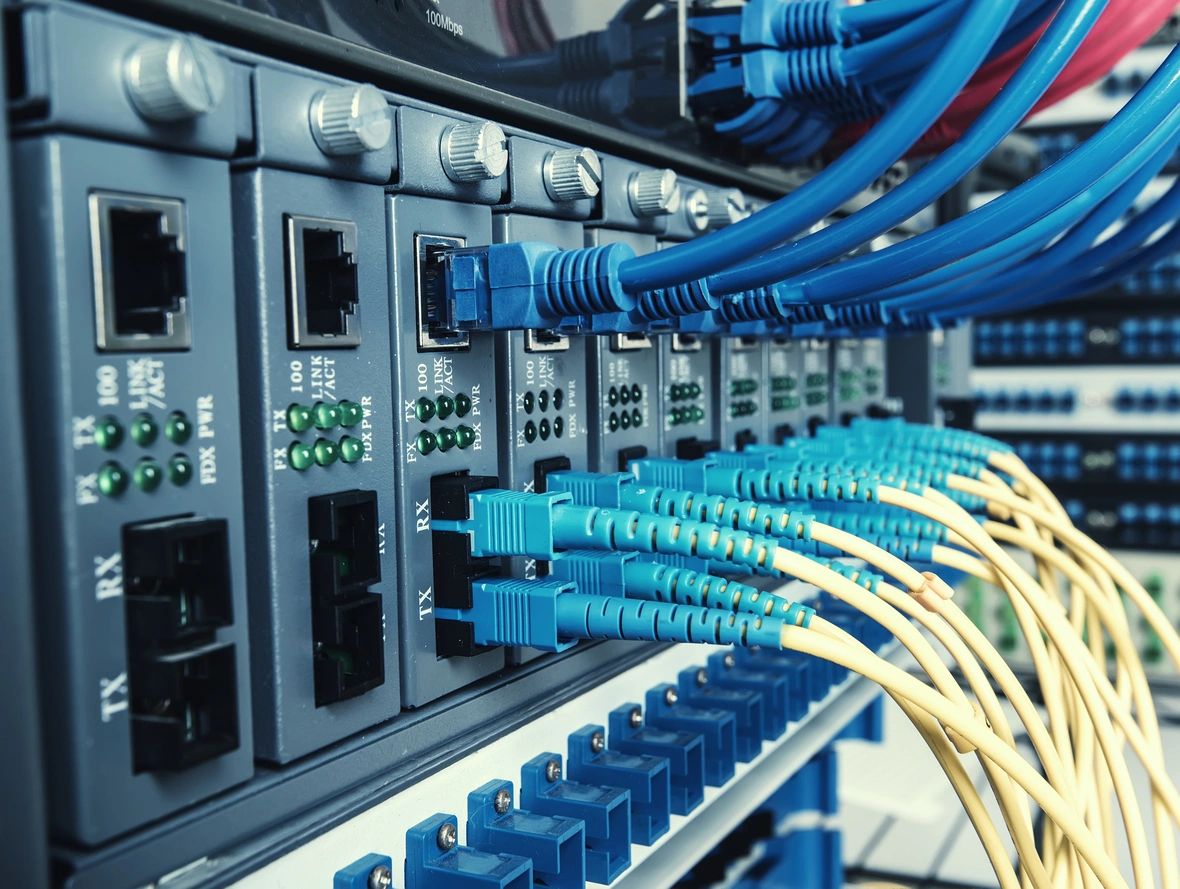
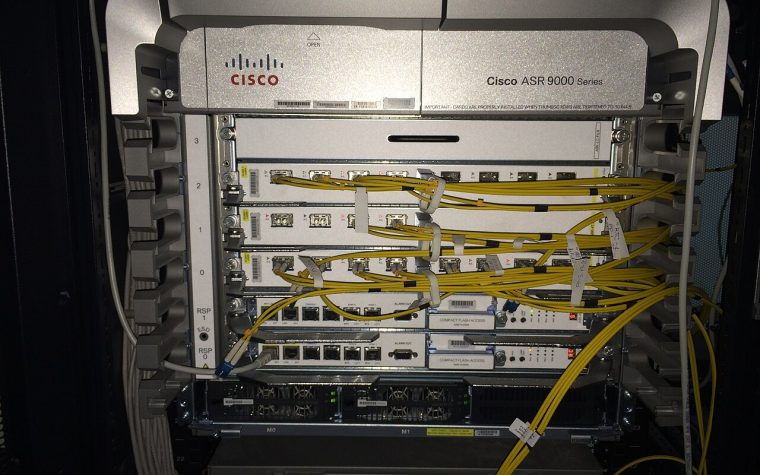
- Physical (Layer 1): racks, devices, patch panels, physical links with interface names, cable types and speeds. This is what a field technician needs to replace a failed optic or trace a cable. Rack elevations belong here too.
- Data link (Layer 2): switches, trunks, port-channels, VLANs carried on each trunk, spanning-tree root placement and first-hop redundancy pairs. This is what you need when a VLAN does not reach a closet or when a loop appears.
- Network (Layer 3): routers, firewalls and layer 3 switches, subnets on each segment, routing protocol areas or autonomous systems, default routes, VPN tunnels and NAT boundaries. This is what you need for any reachability problem.
For multi-site networks, add a high-level overview showing sites, WAN circuits and internet breakouts with almost no detail, then link down to per-site diagrams. That hierarchy mirrors how people troubleshoot: from broad to specific.
Conventions that make diagrams readable
- Use a consistent symbol set and a legend on every page. Neutral, generic shapes for router, switch, firewall and access point are fine; consistency matters more than style.
- Label links at both ends with interface names, for example
Gi1/0/49toTe1/1/1. Add speed and, for port-channels, the channel number. - Label subnets on segments with network address and prefix length plus VLAN ID and name, for example
VLAN 20 USERS 10.20.20.0/24. - Flow top to bottom or left to right: internet and WAN at the top, core in the middle, access at the bottom. Avoid crossing lines.
- Add a title block with diagram name, scope, version or date, and owner. A diagram without a date cannot be trusted.
- Do not show every access port. Represent a stack of access switches as one object with a note, and leave endpoint detail to the IPAM or switch port data.
If you are documenting VLANs, keep the VLAN-to-subnet mapping consistent with the design principles in VLANs explained; a diagram is a great place to spot an inconsistent trunk.
Gather the truth from the network
Draw diagrams from live data, not memory. Neighbor discovery protocols show exactly what is connected to what:
show cdp neighbors detail
show lldp neighbors detail
show etherchannel summary
show interfaces trunk
show spanning-tree root
show ip route
show ip interface brief
Run these on every infrastructure device and you have the raw material for both the L2 and L3 diagrams. Better yet, collect them automatically with a short script; the techniques in our network automation guide make this a five-minute job instead of an afternoon.
IP address management that stays accurate
IP address management, or IPAM, is the single most-referenced piece of network documentation. It is also the most frequently wrong, because addresses are allocated in a hurry and rarely released. An accurate IPAM prevents duplicate addresses, makes firewall rule reviews possible and turns new-site planning from guesswork into arithmetic.
Design the plan before recording it
IPAM records a plan; it does not replace one. A good IPv4 plan allocates address space hierarchically, for example a block per site, then a block per function within each site, so that summarization and firewall policy stay simple. A typical structure for a private network might look like this:
| Scope | Example prefix | Notes |
|---|---|---|
| Organization | 10.0.0.0/8 | Private space per RFC 1918 |
| Site (HQ) | 10.10.0.0/16 | Second octet identifies the site |
| Users VLAN 20 | 10.10.20.0/24 | Third octet matches VLAN ID where practical |
| Voice VLAN 30 | 10.10.30.0/24 | Separate DHCP scope and QoS policy |
| Infrastructure mgmt VLAN 99 | 10.10.99.0/24 | Switches, APs, UPS management |
| Point-to-point links | 10.10.255.0/24 | Carved into /31s per RFC 3021 |
| Loopbacks | 10.10.254.0/24 | /32 per device, used as router ID and management source |
Matching the third octet to the VLAN ID is not a technical requirement, but it removes an entire class of mistakes and makes troubleshooting faster. If you need a refresher on carving blocks into subnets, see subnetting made simple or use the subnet calculator in our network tools. Plan IPv6 alongside IPv4 from the start, even if you deploy it later.
What to record for each subnet and address
- Per subnet: prefix, VLAN ID and name, site, purpose, gateway address, DHCP scope range and server, DNS servers, owner and any security zone it belongs to.
- Per static address: IP, hostname, device type, MAC address where useful, owner, and a reference to the ticket or change that allocated it.
- Reservations: mark gateway, first-hop redundancy virtual addresses and reserved ranges so they are never handed out by mistake.
Spreadsheet or dedicated IPAM?
A spreadsheet can work for one site with a single owner. Beyond that, a dedicated IPAM tool, whether open-source or commercial, earns its keep: it prevents overlapping prefixes, calculates utilization, keeps an audit trail and exposes an API. That API is the turning point, because it lets your IPAM become a source of truth that feeds automation, monitoring and even DHCP and DNS. When automation reads its inventory from the same place humans update, the documentation and the network stop drifting apart.
Naming conventions and labels
Names are documentation you see every day: in prompts, in logs, in monitoring alerts and on cable labels. A good naming convention lets anyone decode a device name without looking it up. A practical format encodes site, role and a sequence number, kept short enough to fit in prompts and monitoring dashboards:
| Example name | Decoded |
|---|---|
| hq-core-sw01 | Headquarters, core layer, switch number 1 |
| hq-fl2-acc-sw03 | Headquarters, second floor, access switch number 3 |
| br1-edge-fw01 | Branch 1, internet edge, firewall number 1 |
| dc-ap-wl012 | Data center site, wireless access point number 12 |
Whatever format you choose, write it down in your standards document, use lowercase, avoid characters that cause trouble in DNS or scripts, and apply it everywhere: hostnames, DNS records, monitoring and the IPAM. Consistent interface descriptions are equally valuable. A description such as UPLINK hq-core-sw01 Te1/0/1 or AP dc-ap-wl012 turns show interfaces description into a live connectivity map. Physical labels on cables and patch panels follow the same logic; our article on structured cabling and fiber basics covers patch panel labeling in detail.
Runbooks that work at 3 a.m.
A runbook is a step-by-step procedure for a specific task or failure scenario. Its reader is tired, stressed and possibly not the person who wrote it. Every design choice should serve that reader.
What deserves a runbook
You do not need a runbook for everything. Write them for tasks that are infrequent but critical, risky, or likely to be performed by someone less experienced:
- Failing over to the backup internet circuit and failing back.
- Replacing a failed stack member or a failed firewall in a high-availability pair.
- Restoring a device from a configuration backup.
- Responding to a suspected broadcast storm or switching loop.
- Onboarding a new branch office or adding a VLAN end to end.
- Rotating a pre-shared key or renewing a VPN certificate.
A runbook template
- Title and purpose: one sentence describing when to use this runbook.
- Scope and impact: which systems are affected and whether users will notice.
- Prerequisites: access required, tools, backups to take, approvals or change window.
- Procedure: numbered steps with exact commands and the expected output after each one.
- Verification: how to confirm success, including the specific show commands or tests to run.
- Rollback: how to undo the change and at what point you should decide to roll back.
- Escalation: who to contact, including vendor support numbers and circuit IDs.
- Metadata: owner, last tested date and a link to related diagrams.
The single most important field is “last tested.” A runbook that has never been followed is a hypothesis. Walk through each critical runbook at least once a year, ideally during a planned maintenance window, and fix every step that was unclear. When you troubleshoot a real incident, capture what worked and turn it into a runbook update, so that every outage leaves the team better prepared for the next one.
Keeping documentation current
Accuracy is the only feature that matters; out-of-date documentation is worse than none because it sends people in the wrong direction with confidence. Keeping it current is a matter of process, not willpower.
- Make documentation part of the change. Add “documentation updated” as a required field in your change tickets. The change is not closed until the diagram, IPAM entry or runbook reflects it.
- Assign owners. Each artifact has one named role responsible for it. Others contribute; the owner reviews.
- Automate collection. Configuration backups, device inventories with serials and software versions, and neighbor tables can all be gathered automatically. The less you type by hand, the less can be wrong.
- Use monitoring as a cross-check. Your monitoring platform discovers devices and interfaces continuously. Compare its view against your inventory; see network monitoring 101 for setting that up.
- Review quarterly. Spend an hour each quarter comparing diagrams with live neighbor data, reconciling the IPAM and checking support end dates in the inventory.
- Version everything. Keep text, diagram sources and standards in a wiki with history or a Git repository, so you can see who changed what and when.
Where to keep it all
The right tool is the one your team will actually open. In practice, most organizations combine a few complementary systems:
- Wiki or Git repository for standards, runbooks and diagram sources, with search and change history.
- IPAM and DCIM tooling for structured data such as prefixes, addresses, racks, devices and cables, ideally with an API.
- Password manager with shared vaults for device, vendor portal and break-glass credentials.
- Ticketing or ITSM system for changes and incidents, linked to the documentation they touch.
Two practical rules apply to all of them. First, make sure documentation is reachable when the network is not; a wiki hosted on a server behind the core switch is useless when the core switch fails. Keep an exported, encrypted offline copy of critical diagrams, the circuit register and key runbooks. Second, control access sensibly. Diagrams and IP plans are valuable to an attacker, so treat them as internal, but do not lock them down so tightly that the on-call engineer cannot reach them.
Key takeaways
- Document less but better: a focused set of diagrams, IPAM, inventory, circuit register, runbooks and standards.
- Separate physical, Layer 2 and Layer 3 diagrams, label both ends of every link, and date every diagram.
- Design the IP plan hierarchically, then record it in an IPAM that you reconcile against live data.
- Use a decodable naming convention everywhere, from hostnames to interface descriptions and cable labels.
- Write runbooks for rare, critical tasks, include verification and rollback, and test them regularly.
- Make documentation a required step of every change, assign owners and automate data collection wherever possible.
If your documentation is scattered, outdated or missing entirely, you do not have to start from a blank page. Our Network Documentation & Diagram Package delivers verified diagrams, an IP plan and inventory built from your live network, ready for your team to maintain. Questions about your specific environment? Contact us.